
01Licence
A word on licensing.
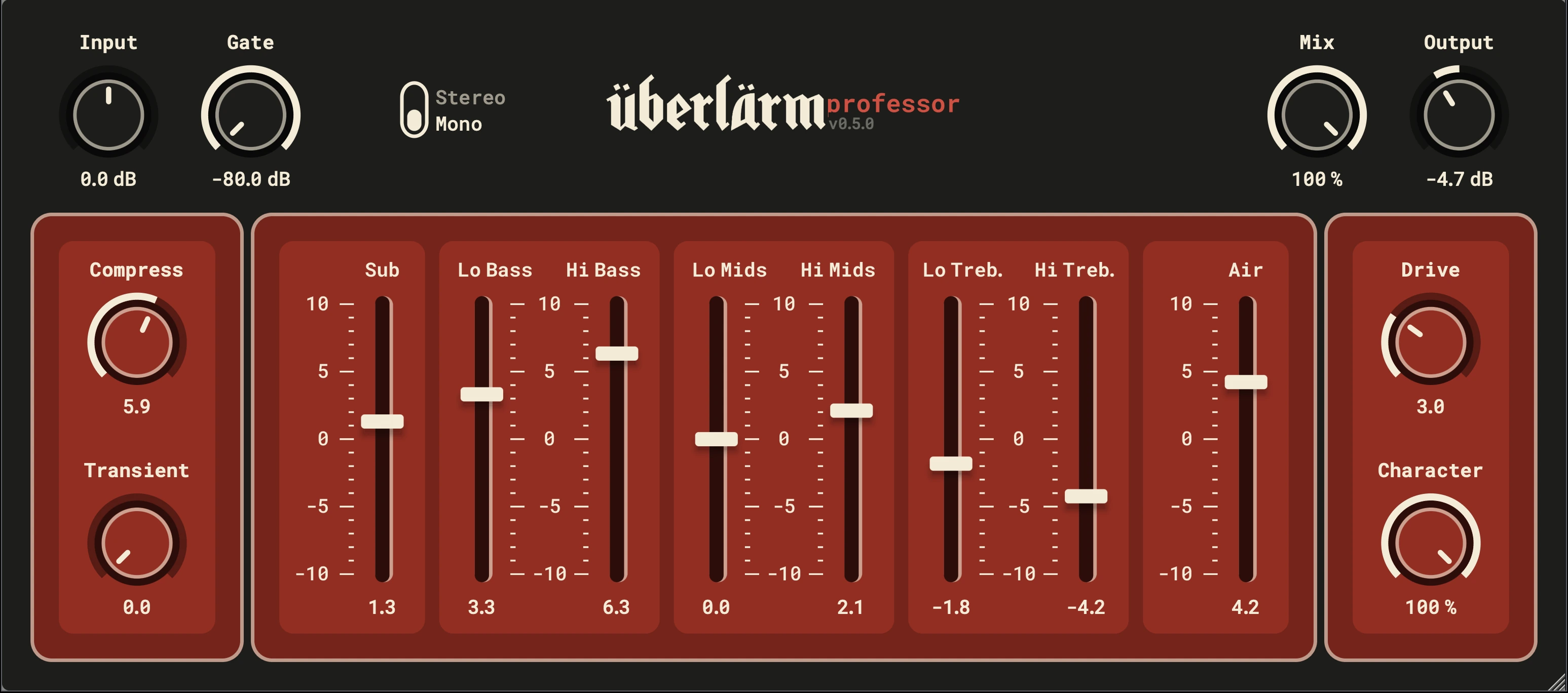
Ueberlaerm Professor is a JUCE port of Sonic Anomaly's Bass Professor Mark II with several quality of life improvements. Strictly speaking, the original licence does not permit publishing it.
The original plugin was written by Stige T, publishing as Sonic Anomaly. Republishing a derivative like this one needs his explicit permission first.
The problem: Stige has vanished. The Sonic Anomaly site is gone, and every channel I could find leads nowhere. I reached out to the maintainer of the community repository that preserves the original JSFX plugins, but he couldn't help me reach Stige either. Others have tried before me, with the same result.
The plugin is too good to disappear with its author. The original only exists as a VST2 and a REAPER JSFX. This port makes it a modern VST3/AU that runs natively on today's systems, and it stays the way the original always was: free.
If you are the original author, know how to reach them, or have any concern about this being published, please mail me and I will act on it, including taking the plugin down if asked. Thank you.
hello@md-audio.dev02Download
Get Ueberlaerm Professor.
Current build: v0.5.0. Pick your platform.
Install · macOS
- Run the installer and pick VST3, AU, and/or Standalone, or copy the plug-ins into:
- VST3 → /Library/Audio/Plug-Ins/VST3/
- AU → /Library/Audio/Plug-Ins/Components/
- Standalone → /Applications/
- First launch blocked? Allow it once in System Settings → Privacy & Security.
- Rescan plug-ins in your DAW.
Install · Windows
- Run the installer and pick VST3 and/or Standalone, or copy the VST3 into:
- C:\Program Files\Common Files\VST3\
- Rescan plug-ins in your DAW.
03FAQ
Which formats and DAWs are supported?
VST3 and AU on macOS, VST3 on Windows — plus a Standalone app on both platforms for running without a DAW. Covers Ableton Live, Logic, Reaper, FL Studio, Bitwig, Cubase, Studio One and most modern hosts.
Does it run on Apple Silicon?
Yes — the macOS build is Universal, running natively on Apple Silicon (M-series) and Intel Macs.
It doesn't show up in my DAW.
Make sure the file landed in the right plug-in folder (see Install, above), then rescan plug-ins in your DAW. On macOS you may need to allow it once in System Settings → Privacy & Security after the first launch.
Can I use it on commercial work?
Absolutely. The original Sonic Anomaly licence explicitly allows use “freely in commercial and non-commercial musical applications”, and that carries over unchanged. There are no restrictions on the music you make with it.